Master Your First AI Survey in 10 Minutes Flat.
Whether you are moving from clipboard notes and a dictaphone, switching from Imfuna or Inventory Hive, or bringing decades of bespoke Word clauses—4SURV RISC 4.9.1+52 combines spatial voice-to-floorplan construction, RICS Level 3 pathology grounding, and cryptographic report sealing so you can never break a report or lose a room.
Every paragraph is strictly grounded in your spoken notes, photos, and RICS Knowledge Cards (Rule R1).
Voice edits can add or rename rooms anytime; our destructive guard blocks any accidental room deletion.
Debate any element with the AI using "Discuss" or tap "My decision"—the Chartered Surveyor always rules.
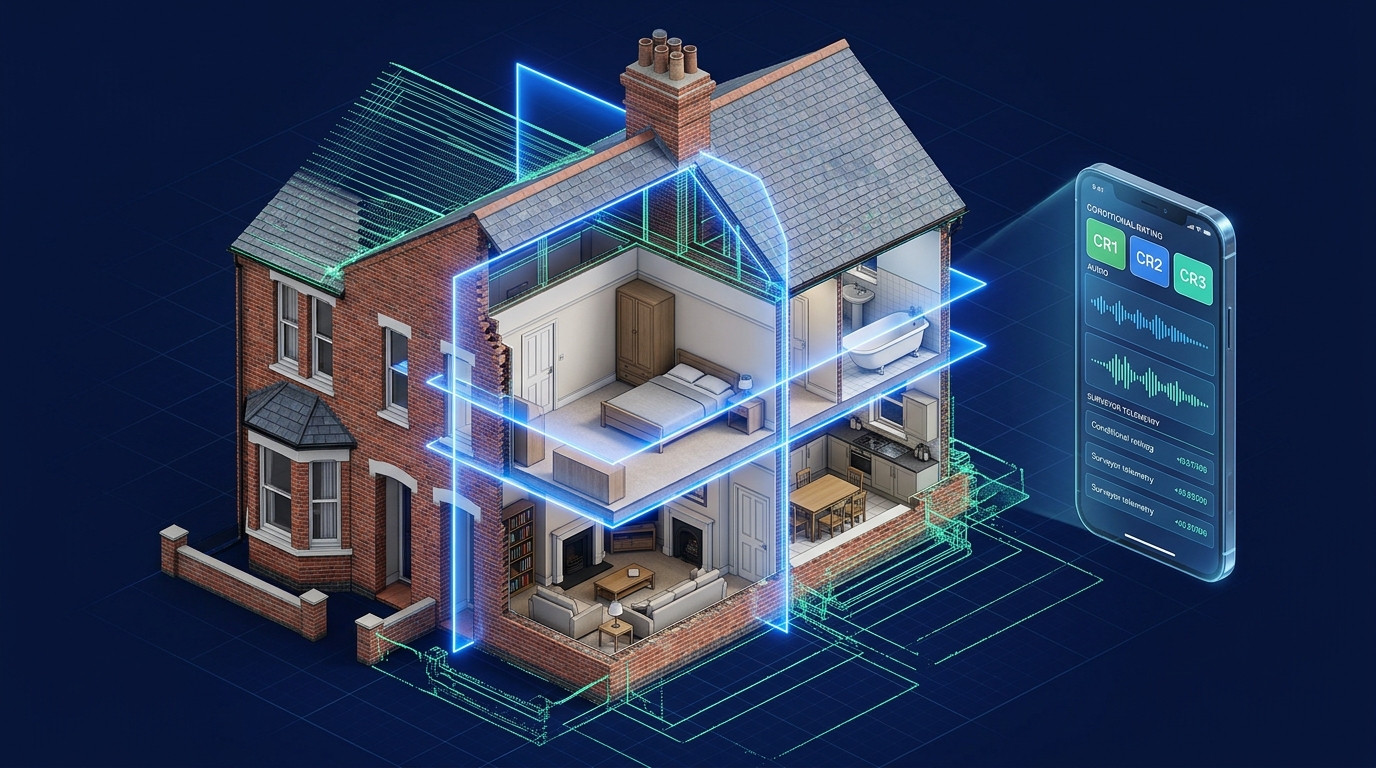
How 4SURV Turns Spoken Site Evidence into a Cryptographically Sealed RICS Level 3 Report
Ask the RISC 4.9.1 AI Field Coach
INSTANT • VOICE OR TEXTNot sure which button to tap or how to phrase a defect? Ask in plain English or tap the microphone.
The 10-Minute Kitchen Rehearsal
Complete these 5 quick steps in your own kitchen or office. Once ticked, you are 100% ready for any RICS Level 3 instruction.
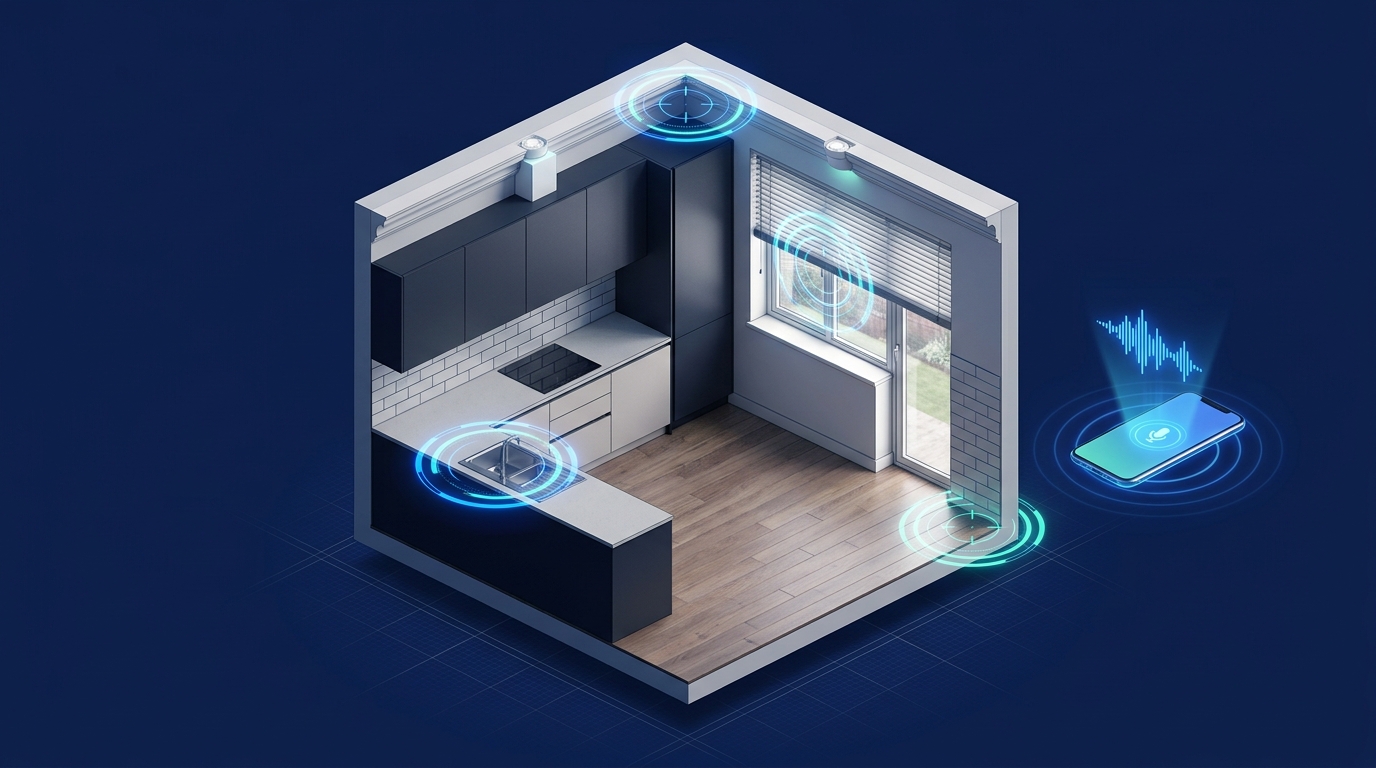
Scanning 1 room (Ceiling, Walls, Window, Sink) and printing a real server A4 PDF in 10 minutes builds 100% muscle memory before you meet a client.
The Living 3D British House Simulator
See with your own eyes how your 60-second kerbside recording constructs all 11 rooms floor-by-floor, how our Wipe-Proof Shield (`RoomsWouldBeLost`) protects existing rooms during voice edits, and how each room links to RICS Level 3 elements.
Click Through an Entire Inspection Before Stepping on Site
Select any step from 1 to 10 below, click the pulsing numbered pins on the phone screen, or listen to the British audio guide.
Watch Every Critical Field Skill in Under 30 Seconds
Select any of the 5 focused video modules below to watch the exact screen sequence, spatial diagram, and operating rules with British audio narration.
Switching From Another System? Here Is Your Exact Translation
Select how you currently inspect properties to see how your existing workflow maps directly into RISC 4.9.1+52.
Field Operations & RICS Level 3 FAQ Ledger
The 4-Part Spoken Formula ("Say It Like This")
Because 4SURV strictly obeys Rule R1 (Zero Invention), the AI never guesses facts you did not state. When you speak these 4 building-pathology pillars in a single 15-second voice note, RISC drafts an authoritative RICS Level 3 paragraph that needs zero evening editing.
"Element E3, front reception room chimney breast, lower 450mm of plasterwork..."
"...Protimeter readings of 80–90% WME with efflorescent salt tide marks; sealed opening..."
"...caused by restricted flue ventilation drawing hygroscopic salts into the face plaster..."
"...install a hit-and-miss air vent, check D1 flaunching, and renew plaster. Condition Rating 2."
Inspect the Building Pathology X-Ray & Hear Weak vs. Gold Dictation
Select any of the 5 field scenarios below. Filter the architectural X-Ray blueprint by the 4 Pillars, and compare Weak vs. Gold-Standard dictation with British audio.
Test Your 60-Second Kerbside Property Intake Right Now
Speak into your microphone or load a sample below to see how the RISC 4.9.1 Floor-Plan Engine scores your initial property description.
The Surveyor Exchange & Wording Clinic
Exchange field voice tips, debate RICS Level 3 pathology wording, and click "Save to My Phrases" on any thread to sync that clause straight to your phone and web portal.
Publish to the Surveyor Exchange
Client Postcode Privacy Guard ActiveSmart Technical Support & Response Console
When you open a ticket, 4SURV automatically attaches your recent field_events trace and app version via your Google account, provides Instant AI First-Aid in 3 seconds, and routes complex issues directly to our Engineering Lead.

Every room save, voice edit, and sync checkpoint is logged with a trace ID on your account.
When you open a ticket, your last 5 field_events and build 4.9.1+52 attach automatically.
Grounded AI reads your trace and gives you the exact operating fix in 3 seconds while on site.
Our Engineering Lead replies in-thread and can promote solved tickets to the Public FAQ in 1 click.
Open a Smart Support Request
AUTO-TRACESupport Tickets & How Engineering Replies
Select a ticket below
4SURV RISC 4.9.1+52 — Field Surveyor’s 1-Page Pocket Card
SMART SURVEYS, INSTANT REPORTS • KEEP IN YOUR CLIPBOARD OR GLOVEBOX
• Tap "Start describing" before stepping inside.
• Speak Address + Property Type/Era + Storeys + Rooms from Ground floor up.
• Check "This is what I heard" banner. Use "Edit by voice" anytime to add discovered rooms.
• Choose Photos and Voice Notes (Mode 1) or Talk and Snap (Mode 2).
• Dictate: (1) Element & Location → (2) Defect & Measurement → (3) Probable Cause → (4) Consequence, Action & CR Rating.
• Tap the green "Finish room" bar at the bottom of every room.
• Open Draft Report and check the Smart Notice bar above the A4 pages.
• Tap "Speak" on any flagged uninspected element.
• Use "Discuss" to debate any rating, then Sign on Glass to seal & share the 14-day link.